
01 / COMPUTING
Laptops & workstations
Reliable everyday devices, mobile business laptops and powerful workstations for demanding workloads.
BUSINESS HARDWARE · PROCUREMENT & DEPLOYMENT
Business-ready laptops, workstations and everything around them. Expertly specified for your people, prepared for Microsoft 365 and delivered ready for the working day.
THE HARDWARE
More than boxes and part numbers. We source the right equipment for each role, your workplace and the technology you already use.
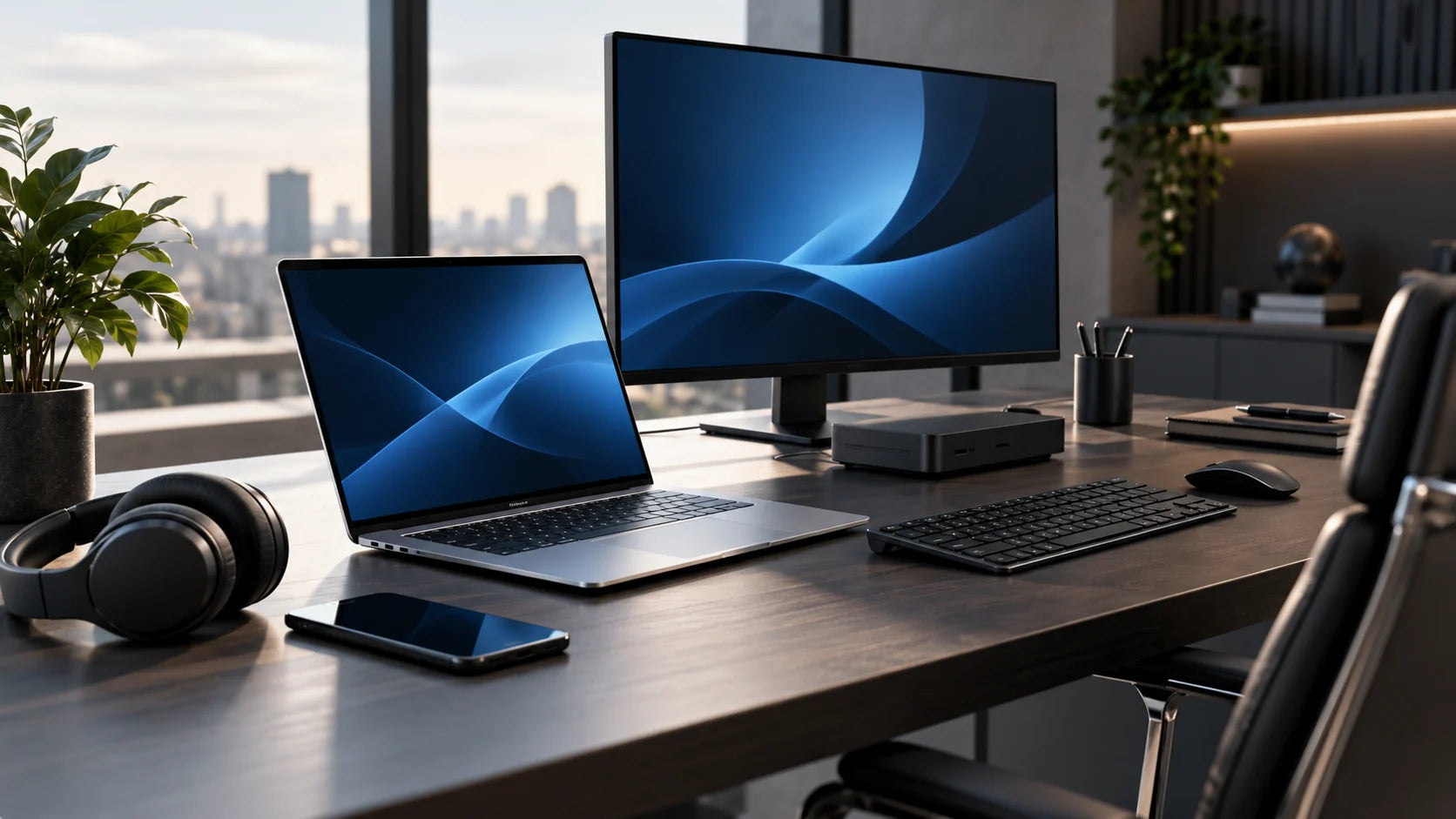
Reliable everyday devices, mobile business laptops and powerful workstations for demanding workloads.
Beautiful dual-screen setups, docking stations, ergonomic accessories and complete desk solutions.
Professional headsets, webcams, speakerphones, room devices and accessories for better calls.
Switches, wireless networking, printers and practical workplace equipment when you need it.
SPECCED FOR PEOPLE
Don't overbuy for the basics or underspec your power users. Start with the work they actually do, then let us recommend the configuration.
01 / EVERYDAY WORK
Ideal for email, browser-based applications, Teams, document editing and general admin.
02 / BUSINESS WORK
Built for multiple apps, larger spreadsheets, frequent video meetings and busy multitasking.
03 / DEMANDING WORK
High-specification devices for intensive workloads, larger projects, creative applications and engineering tools.
THE TECBUILDR365 SERVICE
A single partner for specification, procurement, preparation and delivery. We keep your hardware aligned with the rest of your Microsoft 365 environment.
Tell us about the user, applications, budget and preferred brands. We'll shape a sensible shortlist.
We confirm commercial availability and provide a transparent proposal for the kit and services.
Prepare devices for your people, including Microsoft 365 and Intune provisioning where scoped.
Choose remote configuration and shipping or onsite installation where hands-on support is needed.
Hardware supply is quoted separately. Deployment charges are indicative, based on standard scope; additional work is confirmed in the proposal.
BUILT FOR MODERN WORK
Hardware works harder when it is correctly set up. We'll help align new devices with your Entra ID, Intune and Microsoft 365 Business Premium environment, where licensed and included in your project scope.
TECHNOLOGY PARTNERS & VENDORS
From business laptops and networks to collaboration technology and printing, we source across recognised manufacturers — recommending what fits your organisation, not just a badge.


Brands shown are examples of manufacturers we may source from. Availability and specific models are confirmed in your proposal.
Hardware Quote Builder
Tell us what your team needs. Choose your devices, specifications, accessories and deployment approach. We will return a tailored proposal after checking availability and pricing.
Get small, useful updates for people running real businesses: Microsoft 365 shortcuts, practical security advice and the licence changes worth knowing about.
Useful insights, never inbox noise.
Free hints, tips and tricks. No paywall, no jargon, and you can unsubscribe at any time.